1. Choose your files
Add your assignment brief and any starter code, data or templates.
 Academic Helper
REPORTS. CODE. FILES. ALL IN ONE PLACE.
Upload your brief. Tell us what you need. Get a draft and files you can review, edit and download.
Choose your files first. Sign in at the last step. One preview free.
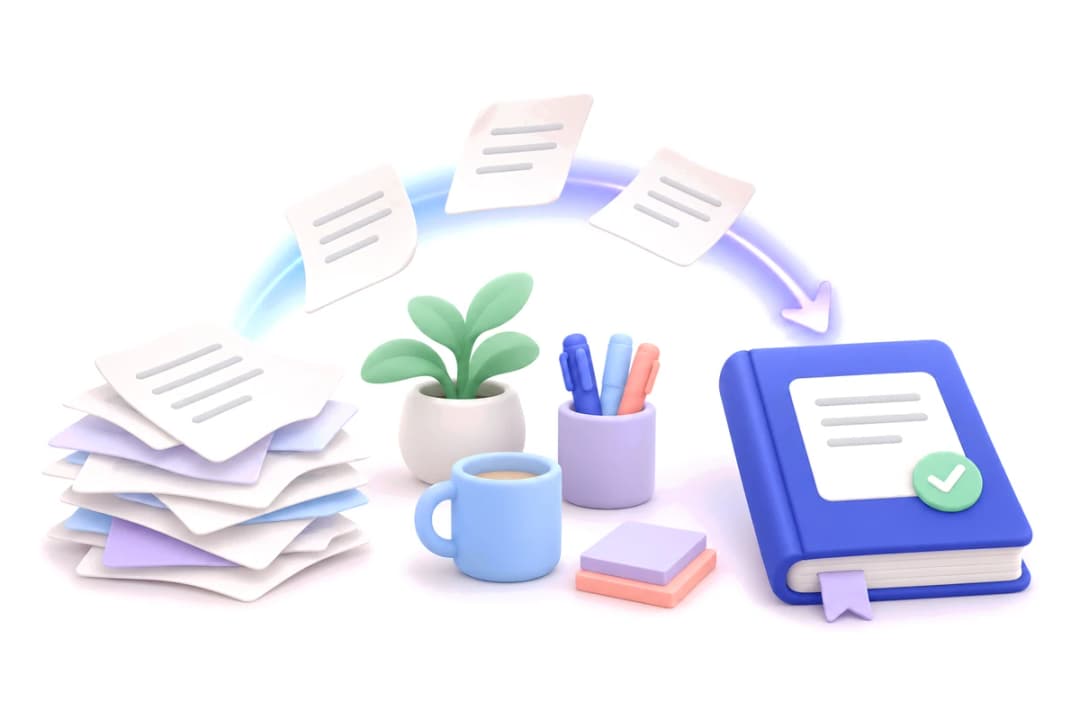
USE MOODLE? SKIP THE UPLOAD.
Connect Moodle and choose an assignment. Its brief comes with it. Review and edit here, then choose whether to submit.
Connect MoodleIncluded with paid credits. One credit per full draft.
FROM BRIEF TO REVIEW
Add your assignment brief and any starter code, data or templates.

Tell us your word count, language and what you want included.
Save your work with a free account and take a look at the sample.

Use a credit when you’re ready. Review the finished work and download it.
BUILT AROUND YOUR TASK
Get the files your assignment calls for, with explanations that help you understand the work.
Outputs depend on your brief. Always review your work before using it.
scores = [72, 85, 91]
average = sum(scores) / len(scores)
print(f"Average: {average:.1f}")Average: 82.7
CLEAR PRICING
Use a credit for the complete assignment, with reports, supported files, downloads and editing.
$4.90/ credit
Buy just what you need
Credits never expire
$19/ month
5 credits each month
$3.80 per credit
$45/ month
15 credits each month
$3.00 per credit
$99/ month
40 credits each month
$2.48 per credit
One credit = one complete assignment. Monthly plans renew until cancelled; unused monthly credits don’t roll over. Cancel before your next billing date to stop renewal.
Academic Helper reads your assignment brief and helps prepare a draft and the files your task needs. It supports reports, code and project files, plus screenshots for supported tasks. Review the result, make changes and check your course rules before using it.
Yes. Each account gets one free preview. You can select your files and add instructions before creating an account. No payment details are needed for the preview.
If you want the complete assignment, use one credit. We prepare the rest of the work and make the completed files available for review and download. The free preview is a sample, not the complete work.
Yes. When your preview or complete report is ready, open the writing checker and choose passages to check. You can request a rewrite of a selected passage. The free preview includes one passage rewrite; paid drafts include passage editing. Scores are estimates for English prose and do not prove who wrote the work.
Yes, with paid credits. Connect an approved Moodle account, choose courses and start assignments without uploading their briefs again. You can turn on automatic drafts and use your earlier submissions as references. Review and edit your work here, then confirm twice before sending it to Moodle. Availability depends on your school’s web service permissions and assignment settings.
Yes. Paid assignments and paid completions are selected before waiting free previews. Work already running finishes safely, and the next available capacity goes to paid work. Completion time still depends on the task and available capacity.
You can upload PDF and Word briefs, images, text, starter code, data and supported ZIP files. Add templates or examples if your course requires a particular layout. The upload screen checks file type and size.
Supported code and browser tasks can include screenshots when the brief calls for them. The report shows evidence from tasks that actually ran. Some tasks cannot be executed on the server, so check the file notes.
One pay-as-you-go credit costs $4.90 and does not expire. Monthly plans offer 5 credits for $19, 15 for $45, or 40 for $99. One credit covers one complete assignment. Monthly credits expire at the end of the billing period; plans renew until cancelled.
You can choose your files and fill in the details first. At the final step, sign in or create an account to save your work and start processing. Files are sent to the server only after sign-in.
Use it as learning and drafting support, in line with your course’s rules. If AI-written submissions are not allowed, the tool can provide tutor-style help. You remain responsible for checking facts, references, code and your final work.
No account needed to choose your files.
Upload assignmentAlready have an assignment? Sign in to My work